Your Contact Book Hasn't Really Changed Since 2008. We Built the Upgrade.
Open the contacts app on your phone right now. Look at it.
It's a list of names, phone numbers, and email addresses. Some entries have a photo. Most don't. The interface is essentially what it was the day you got your first smartphone. The "Add Contact" form has the same fields it did when you were still using a flip phone in college.
In the meantime, your phone gained face recognition, satellite messaging, on-device translation, three-camera computational photography, and an entire app store of tools that have rebuilt how we read, shop, exercise, navigate, and listen.
The way you keep track of the people in your life? Untouched.
That's the gap we built YourPond to close. And today it's on iOS.
YourPond is now available on the App Store. Download here.
What "contacts" looked like in 2008, and why it's still that way
The original smartphone contact book was built around one job: store the phone number you needed to make a phone call.
The fields reflect that purpose:
- Name
- Phone
- Address
- Birthday (optional, mostly ignored)
- Notes (a freeform text box where information goes to die)
That model made perfect sense in 2008. Most of the people in your contacts were people you actually called. You had maybe 80 of them. The point of the app was to find the right one quickly so you could press the green button.
But the way we know each other has changed completely since then.
Most of the people in your life now, you don't call. You text them, message them on Instagram, see them at school pickup, work with them on Slack. You meet someone's spouse at a wedding and never get their number, but you remember them. You have neighbors whose kids' names you know but whose phone numbers you don't.
A 2008 contact book has no answer for any of this. It still asks for a phone number first.
What you're actually trying to remember
Think about the last time you opened your phone's contact book and felt frustrated. It probably wasn't because you couldn't find a phone number.
It was because you were trying to remember:
- What was that guy's wife's name?
- Who introduced me to her, again?
- Where do they live now? Did they move?
- Whose kid is graduating this year?
- I met someone at that dinner: what was the company they worked for?
None of these questions are about phone numbers. They're about context and history. The contact book on your phone has no place to put any of it.
So you put it somewhere else. A Notes file. A spreadsheet. A Notion database you set up for two weeks and abandoned. Or, most often, nowhere. You just hope you'll remember.
What YourPond does that your contact book doesn't
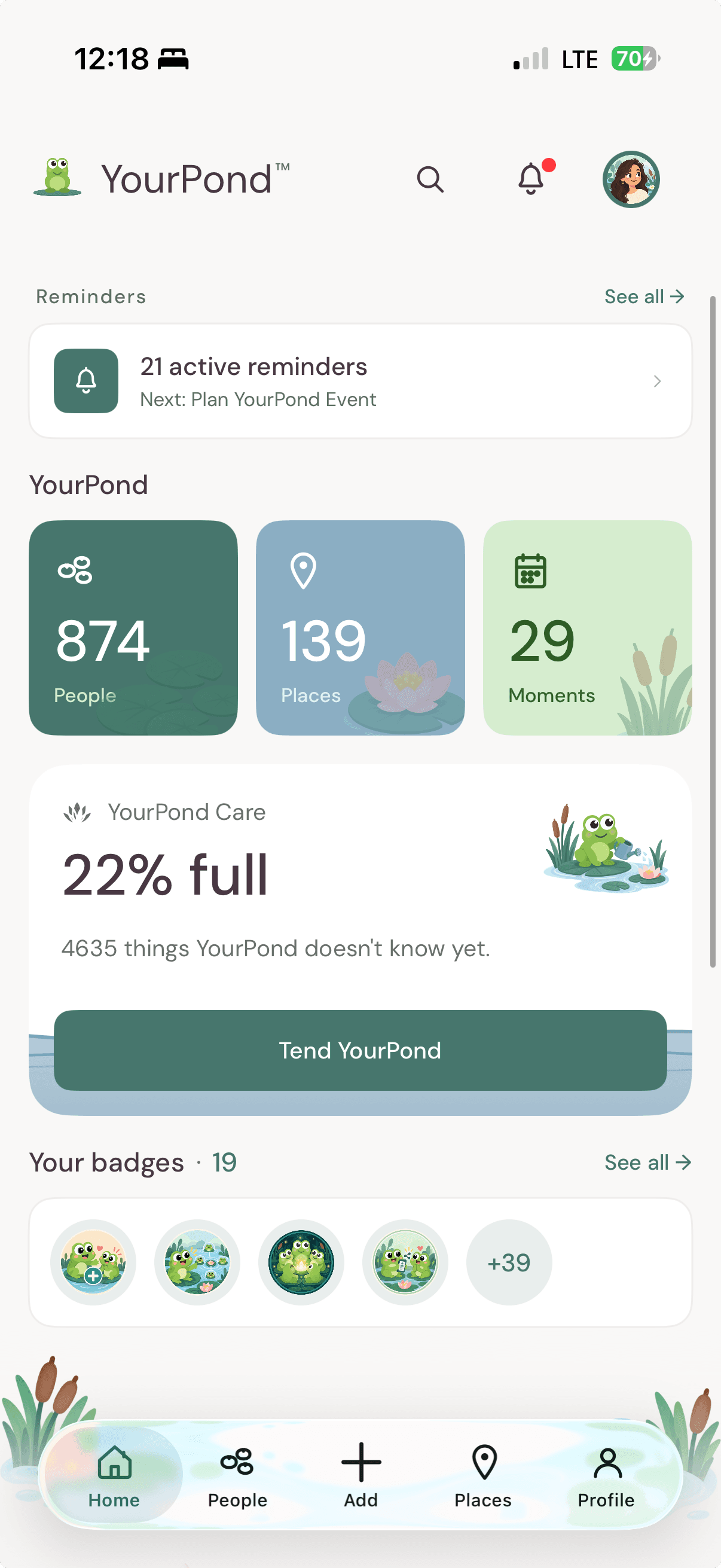
YourPond is contact management software built for how we actually know people in 2026.
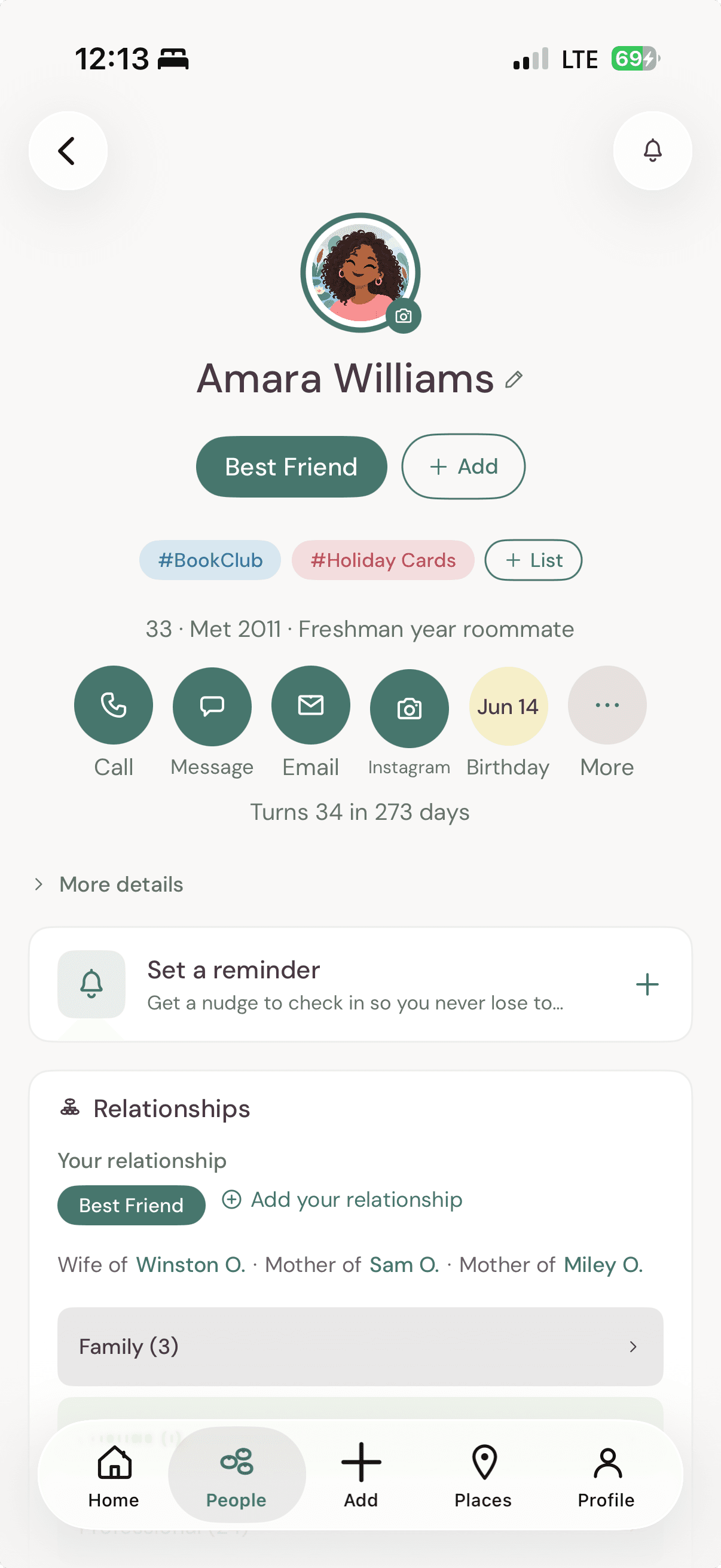
People with full context. Add the people who matter: family, friends, colleagues, neighbors. Track where they live, where they work, how you met, who introduced you. Birthdays, kids' names, the dog's name, the conversation you keep meaning to follow up on. The fields exist because the things matter.
Relationships between contacts. Tim's wife is Rachel. Rachel's brother is Jordan. Jordan introduced you to Mike at that conference. YourPond maps the connections, and your family tree builds itself as you go. None of that is possible in a flat contact list.
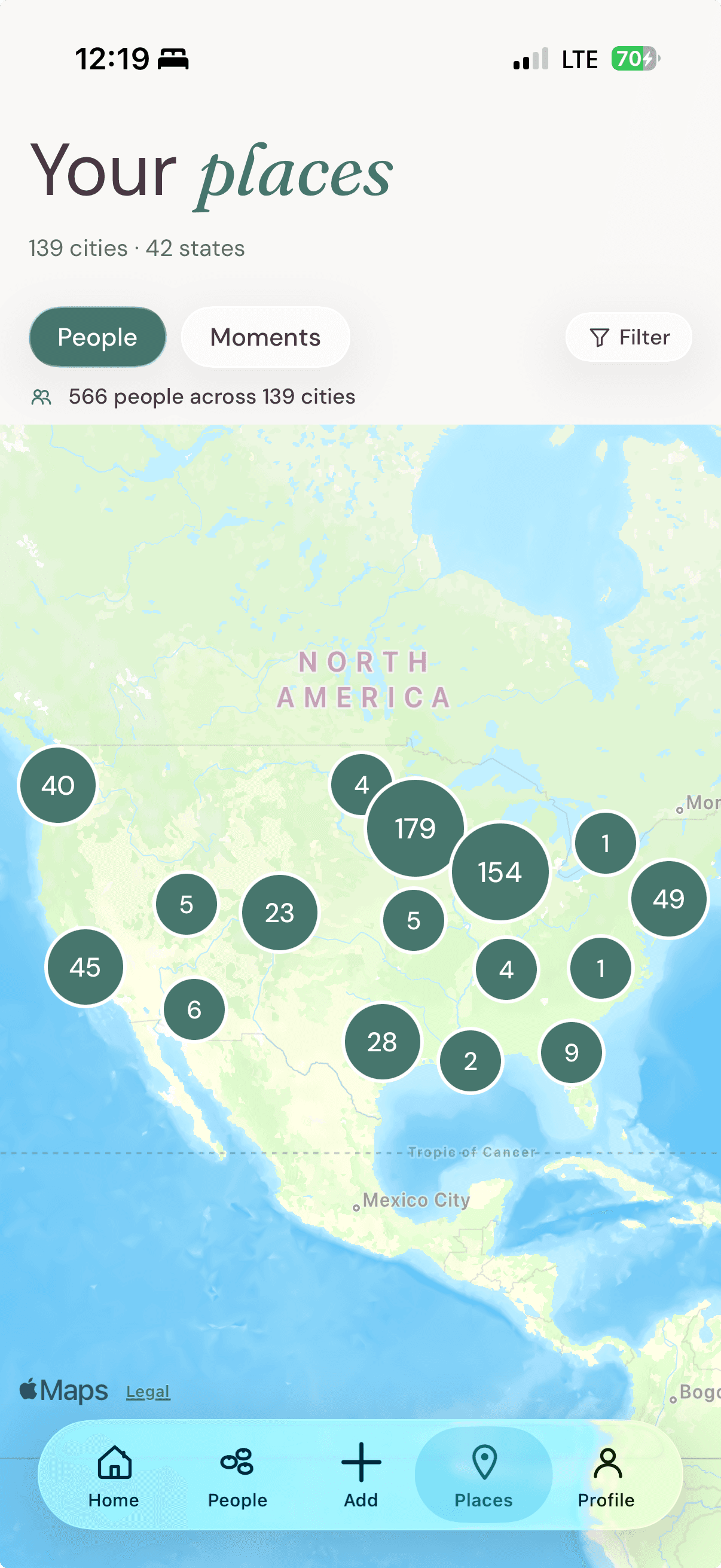
Places. A map of your world. Where your people live, where you've traveled, who was with you. The geography of your life, on one screen.
Moments. The events that mattered: trips, weddings, birthday dinners, game nights. Who was there. When it happened. Years from now, you'll remember.
Lists. Your holiday card list. Your book club. The 22 people you actually want at your wedding. Group people the way your real life groups them.
Describe your people in plain language. Don't fill out forms. Type the way you'd describe your friend group to a new partner. "My college roommate Sarah lives in Brooklyn with her husband Dan. They have a daughter named Wren who's two." YourPond extracts it into structured contacts, relationships, and family connections. Review and confirm: nothing saves until you say yes.
Your data is yours. No ads. No data sales. We don't train AI models on your relationships. The only thing we do with your information is show it back to you.
"But I already have a contact book"
You can keep the contact book that came with your phone. We're not trying to replace it.
Your phone's built-in contacts is for making calls and sending texts. It needs to live on your phone, sync to your other devices, and surface a name when a call comes in. It's good at that, and it's not what we built.
YourPond is for the people in your life and how they're connected. It's the layer above your phone book: the one that remembers your aunt's new address, your old roommate's wife's name, and the friend-of-a-friend you met at a wedding two years ago.
Use both. The phone book dials. YourPond remembers.
Why now, why iOS
YourPond launched on the web a few months ago. Dozens of people signed up in the first weeks. The most common piece of feedback was the same sentence, written 50 different ways:
"I love this. When is it on my phone?"
That's because contact memory happens in the moments away from your computer. You're at a kid's birthday party and someone tells you their cousin moved to Denver. You're at a work dinner and someone introduces their husband. You meet your neighbor's parents at the mailbox.
You're not at your laptop. You're standing somewhere with your phone in your hand. That's when YourPond needs to be there.
So we built it.
How to start
YourPond is free for up to 25 contacts, lists included. No trial timer, no credit card. Pro is $10/month or $100/year for unlimited contacts, the Ripples relationship map, Insights, more AI descriptions a month, and everything we ship next.
Download YourPond on the App Store.
Or start on the web at yourpond.io.
Either way, start with 5 people. The 5 you'd be most upset to lose track of. That's how every YourPond starts.
The contact book from 2008 is fine for phone calls. For everything else, there's the upgrade.