Now You Can Track Their Pets Too
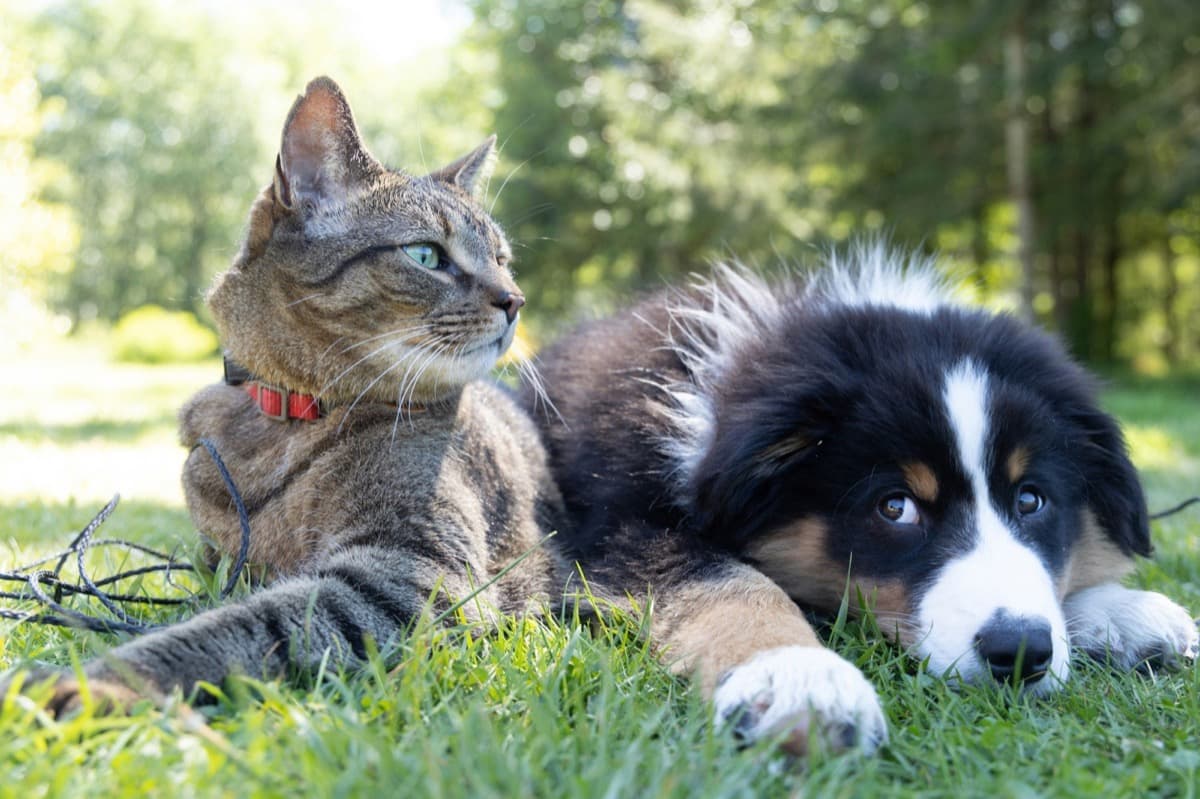
You remember your friend has a dog. You're pretty sure it's a golden retriever. You think its name starts with a B. But when you show up at their house and the dog runs to the door, you blank.
This happens more than anyone admits. People's pets are a huge part of their lives. They talk about them constantly, post about them daily, and light up when you remember their name. Forgetting a pet's name feels small, but getting it right feels personal.
That's why YourPond now lets you track pets for every contact.
What you can track
For each contact, you can add as many pets as they have. Each pet entry includes:
Type: dog, cat, bird, fish, reptile, rabbit, hamster, or other. Covers the basics and leaves room for the exotic.
Name: the one thing you most need to remember. Biscuit. Mochi. Sir Barksalot. Whatever they named it.
Breed: golden retriever, calico, cockatiel. Helpful when you're trying to remember which friend has the hypoallergenic dog.
Notes: anything else. "Scared of thunder." "Indoor only." "Will steal food off your plate." "Passed away last year, don't bring it up casually." That last one matters more than you think.
Why this matters
We shipped Contact Preferences last week: dietary needs, gift preferences, communication style, lifestyle details. Pets is a natural extension of the same idea: the details that make you a thoughtful friend aren't the big things. They're the small things.
Asking "how's Biscuit doing?" when you see a friend hits different than "how's your dog?" One shows you were paying attention. The other shows you weren't.
And if you're hosting someone at your place, knowing they have a dog that doesn't get along with cats (or that they're allergic to dogs entirely) is the kind of thing that prevents awkward situations before they start.
How it works
On any contact's page in YourPond, you'll see a new Pets section. Tap the add button, pick the pet type, enter the name and breed, add any notes, and save. The whole thing takes about five seconds.
If a contact has multiple pets, they're all listed. You can edit or remove any of them anytime.
The pets show up right on the contact detail page, visible at a glance alongside their preferences, relationships, and other details. No digging through notes to find it.
What's next
Pets and Preferences are part of a bigger pattern we're building. YourPond stores everything that makes your relationships feel personal, not just the contact list.
We started with the big stuff: where people live, where they work, how they're connected. Then we added the medium stuff: birthdays, how you met, relationship types. Now we're filling in the small stuff: what they eat, what they want for gifts, how they prefer to be reached, and yes, what their pets are named.
The small stuff is what makes the difference.
Frequently asked questions
How many pets can I add per contact?
As many as they have. There's no limit. Each pet gets its own entry with type, name, breed, and notes.
What pet types are supported?
Dog, cat, bird, fish, reptile, rabbit, hamster, and other. The "other" option covers anything from horses to hedgehogs. You can add details in the notes field.
Can I add notes about a pet that passed away?
Yes. The notes field is free text: you can note that a pet passed away, which can be important context for sensitive conversations.
Is this feature free?
Pet tracking is free for all YourPond users. Sign up at yourpond.io.
Do other personal CRMs track pets?
Monica has a basic pet field. No other personal CRM (Dex, Clay, Covve, Nat) offers structured pet tracking with type, breed, and notes.