The Wedding 'Singles PowerPoint' That Got a Couple Married
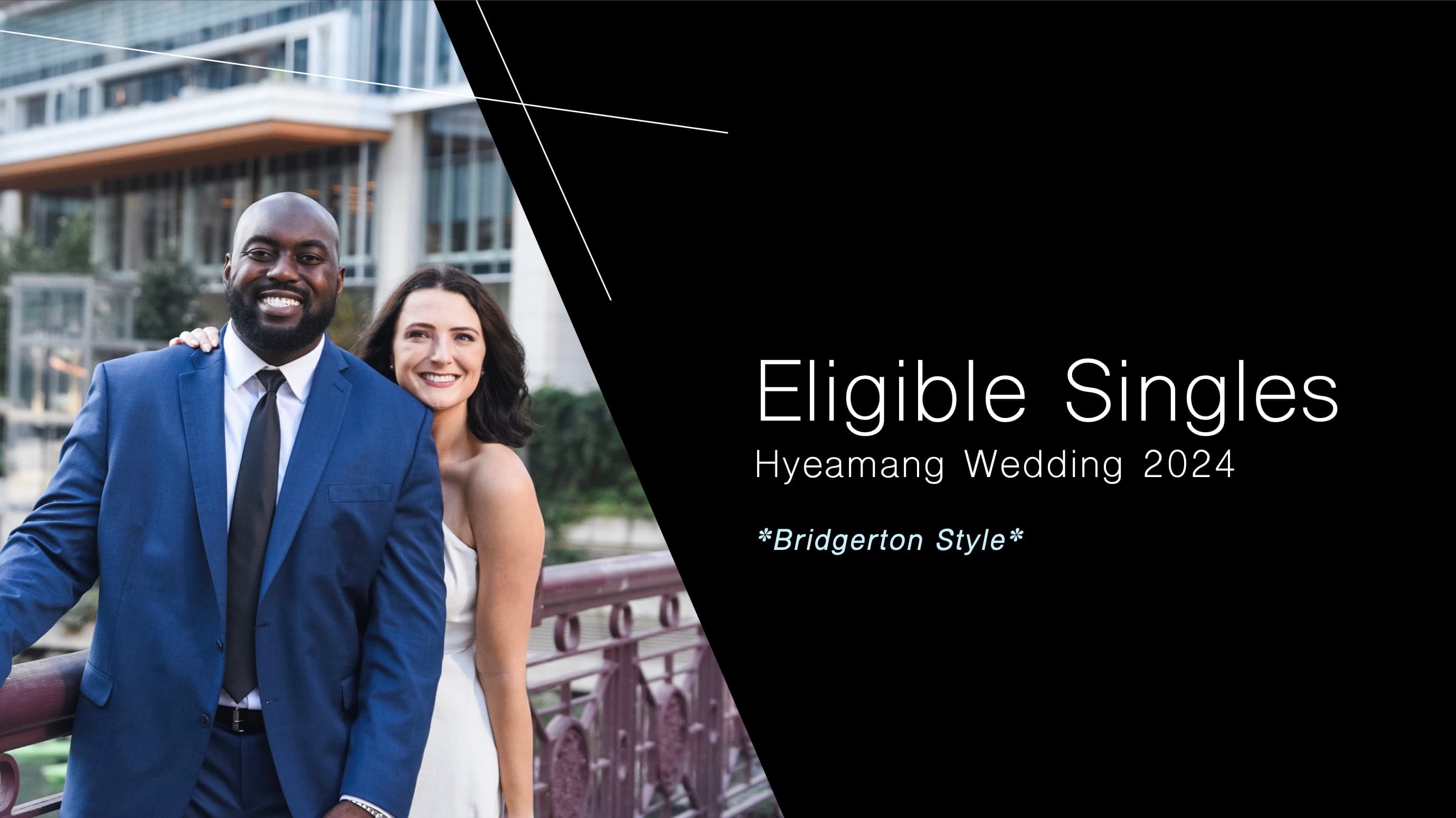
At my 2024 wedding, I did something slightly unhinged: with everyone's blessing, I made a PowerPoint of the eligible singles on the guest list (regency-style, complete with portraits, bios, and wing women) and sent it to every guest the week of the wedding.
The original reel: the deck that started it
The reel went viral. Hundreds of thousands of views, and my DMs filled with two things: brides asking for the template, and skeptics asking if it actually worked.
It worked.
Two of my guests met because of that deck. This year, they're getting married, and I'm speaking at their wedding.
The follow-up: it actually worked
The rules that make it work
It only works because it's kind. Every single person said yes before they were included. Nobody's information went in without their blessing. Pronouns and sections are always each person's call. And if your guest list doesn't split into "ladies and gentlemen," the template has an Everyone Eligible section, because love is not one-size-fits-all.
Get the template
The anonymized template (every slide, placeholder people, a how-to) is part of YourPond Pro, along with the Matchmaking Deck builder that fills a deck in from your own guest list. That link takes you through sign-in and straight there. The template opens in PowerPoint or Google Slides and imports into Canva.
Or let YourPond build it for you
The manual version took me a full weekend of collecting photos, bios, and who-knows-whom. That's the part YourPond automates: import your guest list, describe your people in plain English, and the Matchmaking Deck builder turns any list into this deck in minutes: portraits, bios, and sections filled from what you already know. Create your matchmaking deck