
Contact Management Software for Real Life
Not a corporate address book, and not a sales tool: a place that keeps up with your real relationships.

Free for up to 25 contacts. No credit card required.

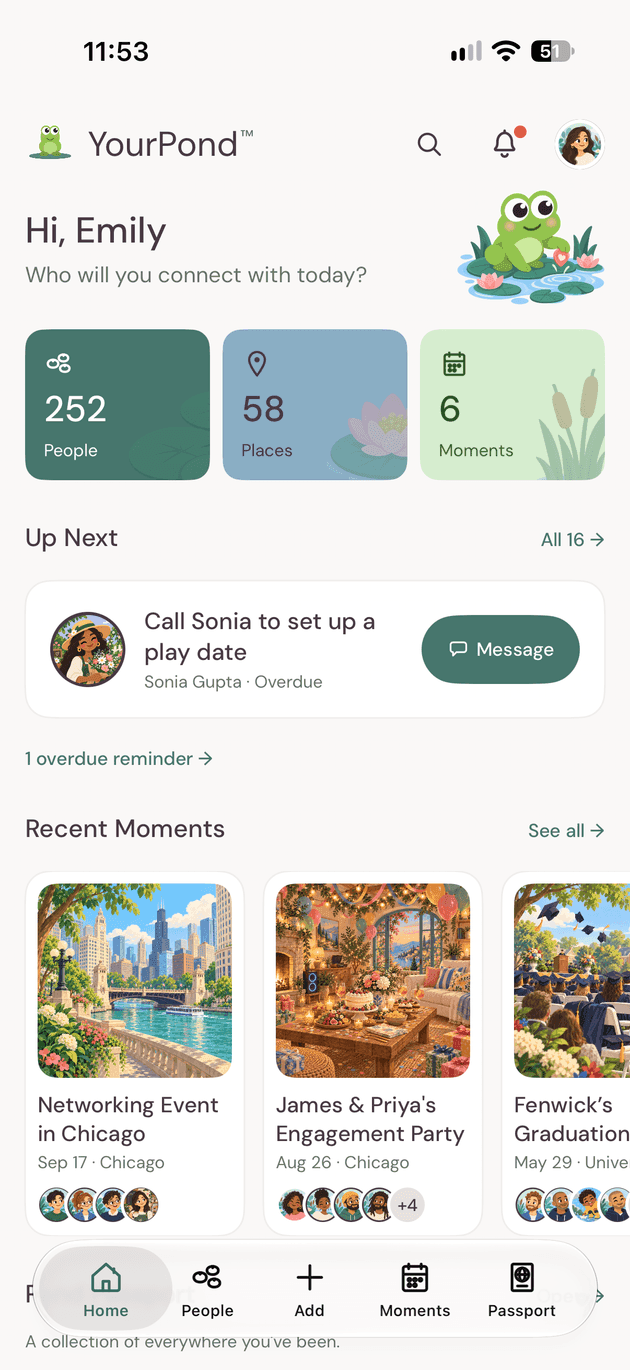
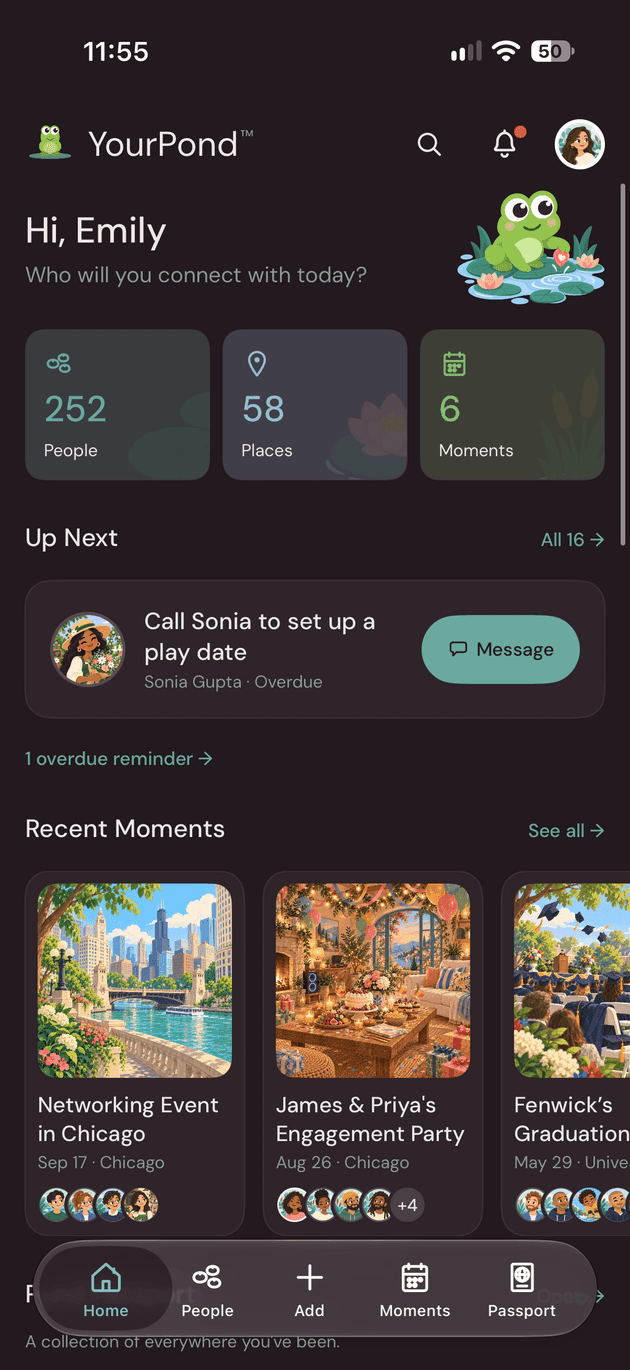
The phone-book problem
The contact app on your phone still stores a name, a number and a notes field nobody fills in. It doesn’t know that two of your contacts are married, or that you met someone at a wedding.

What modern contact management looks like
A contact isn’t a phone number, it’s a relationship, with context and connections. In YourPond that means where someone lives and works, how you met, their kids’ names and the dog’s name, plus a relationship graph with a family tree that builds itself.

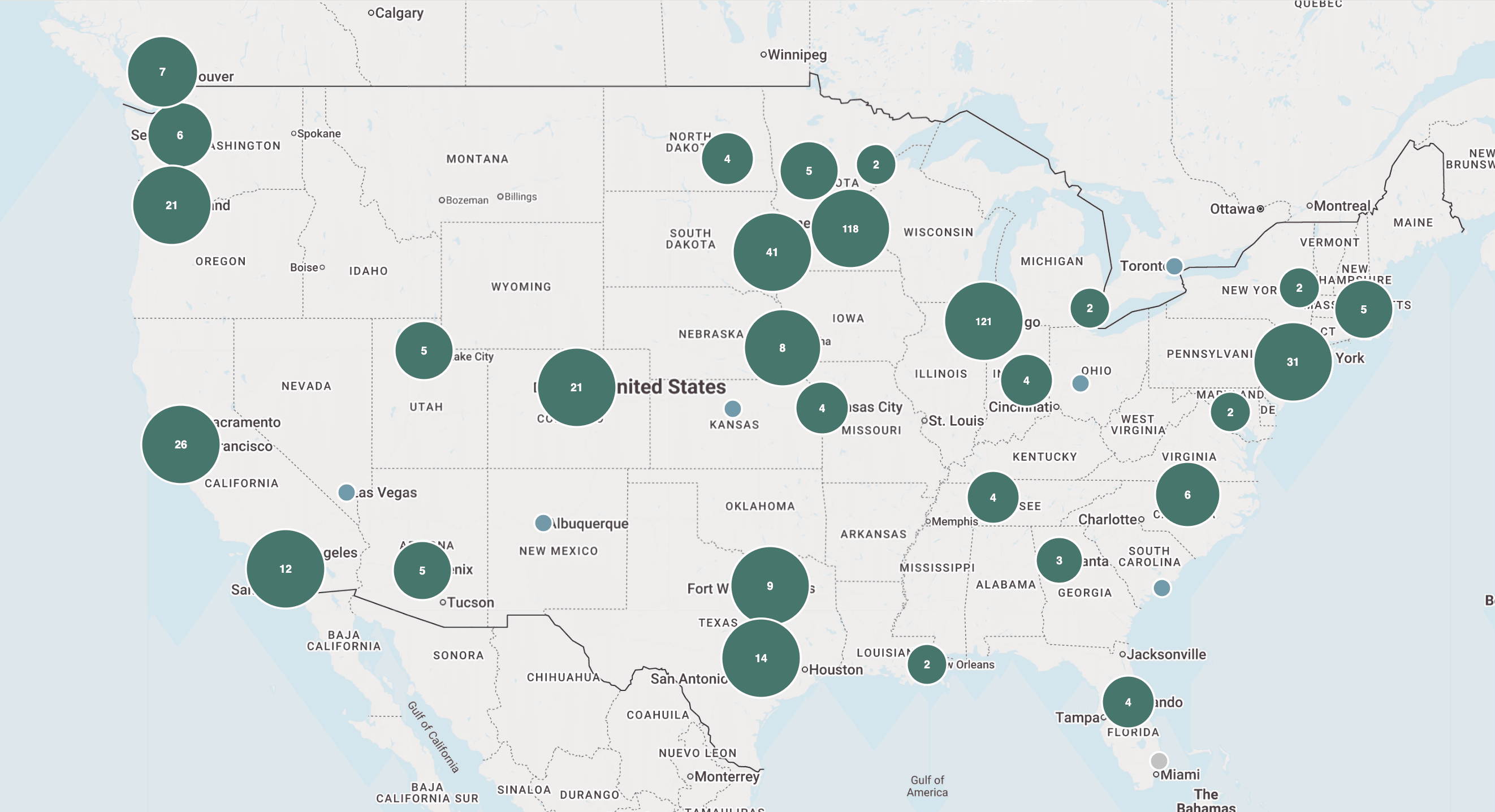
A map of your people
See where all your people live around the world, color-coded by relationship. Set reminders for birthdays, anniversaries and any check-in that matters, delivered to your iPhone.
The places you went, with who
Pond Passport stamps the cities, countries, parks and landmarks you’ve been to, with the people you went with. Lists group people by context, and LilyPad swaps contact details with one scan in the iPhone app.




Why YourPond instead of Apple or Google Contacts
They’re excellent at being a phone book, but they were never built to be the memory of your relationships. Keep your phone’s address book for dialing; use YourPond for remembering the people in your life. See how it compares to dedicated tools in How YourPond compares.
Frequently asked questions
What is modern contact management software?
Modern contact management software goes beyond storing names and numbers. It captures context (where people live, how you met, who they're connected to) and helps you act on it with reminders, search, maps, and a relationship graph. YourPond is built for exactly this.
How is YourPond different from Apple Contacts or Google Contacts?
Apple Contacts and Google Contacts are digital phone books: name, number, email, and a notes field. They don't track how your contacts are connected to each other, don't build a family tree, don't map where people live, and don't remind you about birthdays in a meaningful way. YourPond adds all of that: a relationship graph, a self-building family tree, a map, and reminders.
Can I import my existing contacts?
Yes. On iOS you can bulk-import from your iPhone address book in one tap, then enrich the people who matter with relationships and details. You can also describe people in plain language and let YourPond extract the structured details.
Is YourPond a sales tool?
No. YourPond is built around your personal and professional relationships, not sales deals and pipelines. If you need to track revenue and customers, use a sales tool; if you want to remember and organize the people in your life, that's what YourPond is for.
Does it work on iPhone and the web?
Yes. YourPond runs on the web and has a native iOS app with voice entry and bulk import. Your data stays in sync across both.
Is there a free plan?
Yes. YourPond is free for up to 25 contacts with no credit card required, then $10/month for unlimited contacts and Pro features.
