Put a Face to the Name

You meet someone at a party. Two weeks later their name comes up and you can picture them perfectly. The jacket, where they were standing, who they came with. The name is just gone.
Faces stick. Names don't. And your contact list only ever had the name.
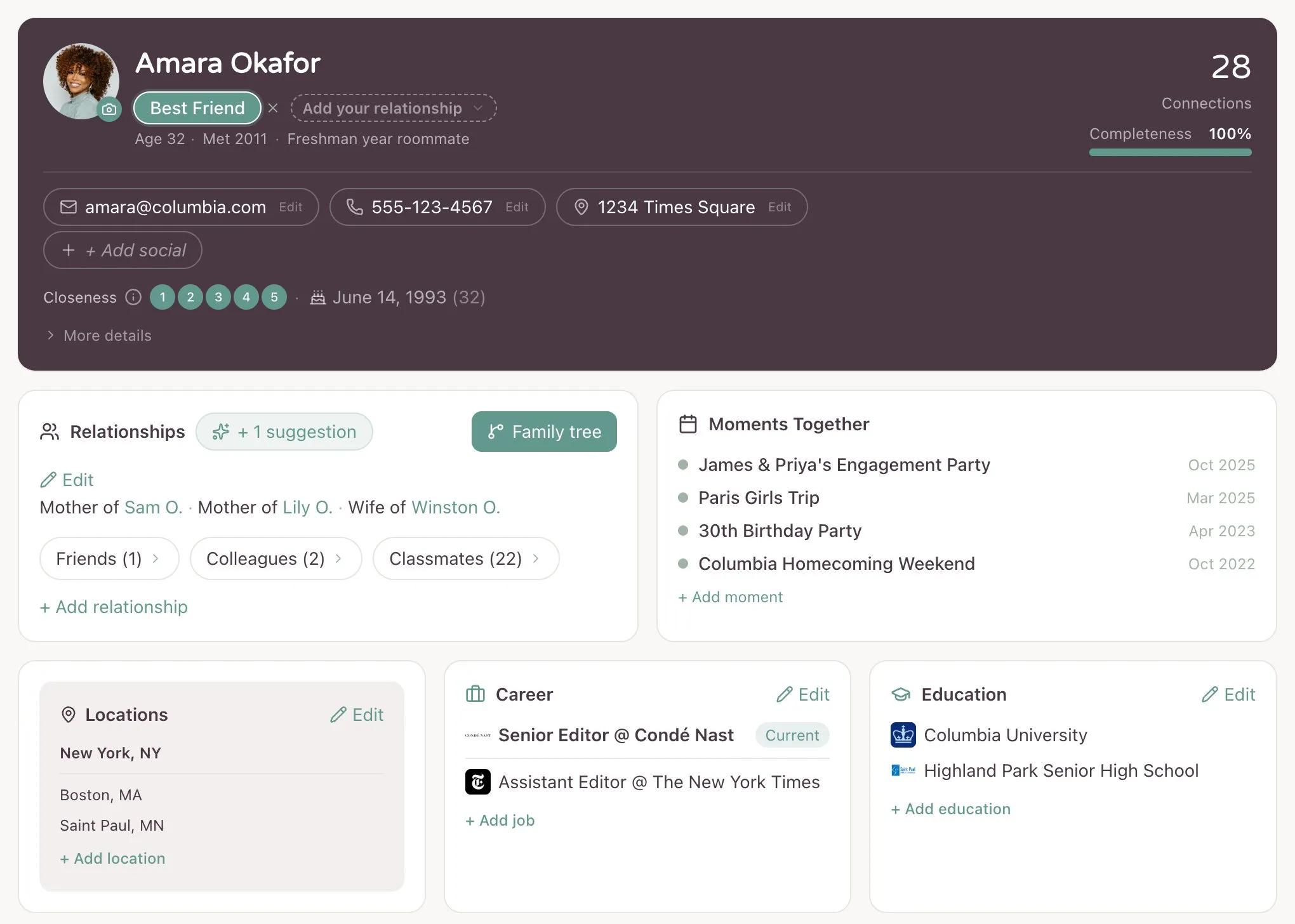
You can add a photo to any contact in YourPond. It's free, it works on web and iPhone, and it takes about four seconds.
On the web, open a contact and click the photo circle, or the small camera button next to it. Pick an image and you're done.
On iPhone, open a contact, tap the photo, and choose Change Photo.
Or don't add them one at a time. When you import your contacts from your iPhone address book, the photos come with them. Anyone you already had a picture saved for lands in YourPond with their face already on. If you've been quietly collecting faces in your phone for years, they all come across at once.
Where they show up. The contact card, their detail page, the family tree, and the card that opens when you tap someone in Ripples. The Ripples map itself still uses initials on purpose, because a hundred photos at that size turns into mush. Your own node is the one exception.
The details. JPEG, PNG, or WebP. One photo per contact. When you delete a photo, or the contact, or your whole account, the photo is deleted from our systems, apart from limited records we keep for security and legal reasons.
If your contact list is one of those where a couple people have a face and everybody else is a gray circle, this fixes that.